
Starting screen
The features available to all customers can be accessed by clicking on the "home" icon after logging into the website.
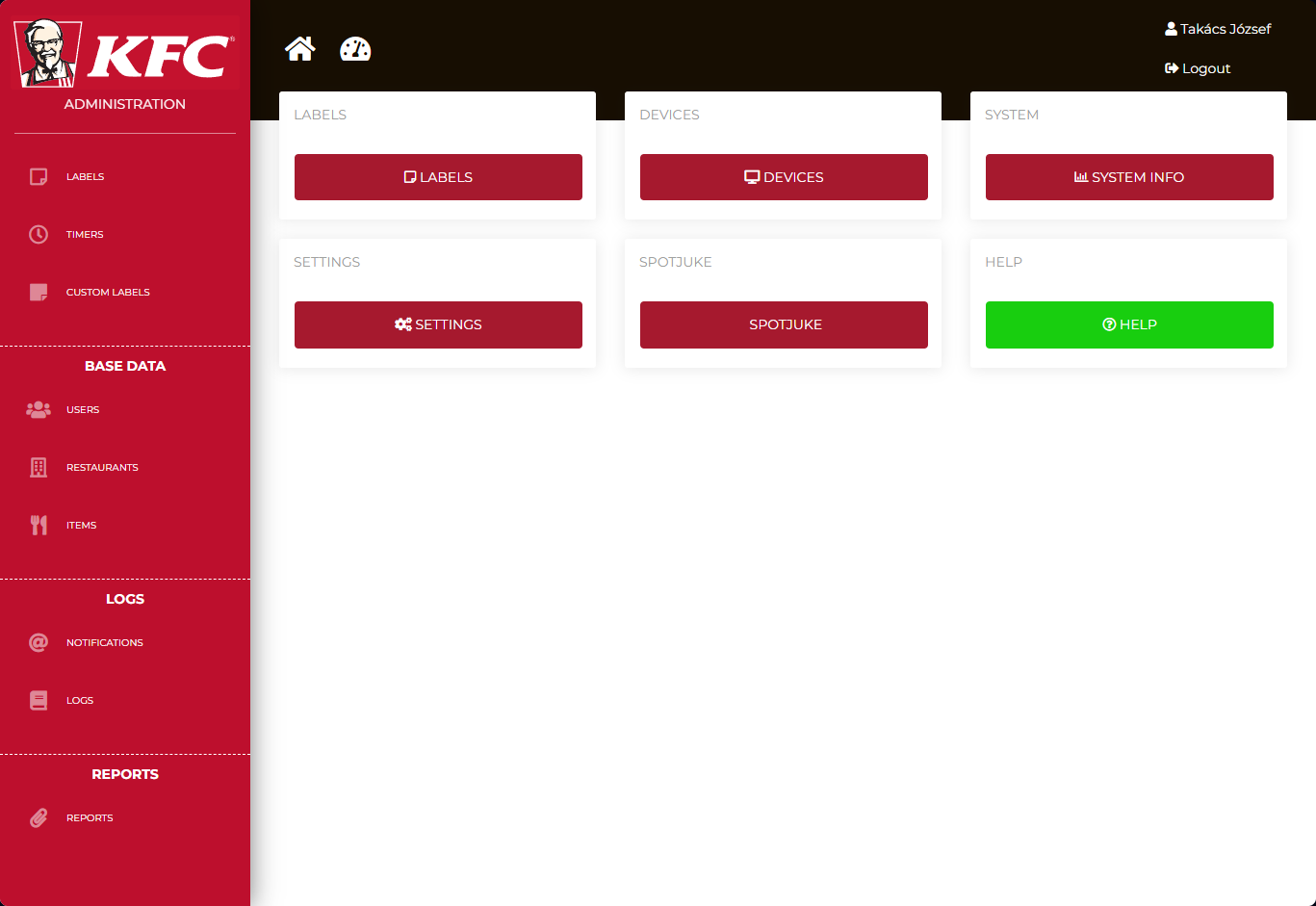
Sidebar items:
Labels:
It contains the list of labels saved or printed by the application.
By default, when configured with appropriate mail settings and valid email addresses, the server sends notifications about expired but not deleted items. After 1 hour, a notification is sent to the general manager, and after 3 hours, a notification is sent to the area coach.
Timers:
It contains the list of timers recorded in the application. (It does not show the current time of the timers.)
Custom labels:
It contains the list of custom, two-line labels and allows for adding new ones.
Users:
User management
Restaurants:
Restaurant management. Every restaurant needs to be configured with the following settings:
- "Identifier" (MPK number)
- "Name"
- "Place type"
- "Delivery" (some products are delivery-only)
- "Region"
- "Opening hours"
- a technical user, with role "user" (for example: 400001)
- a general manager, with role "general_manager"
- an area coach, with role "area_coach"
If no opening hours are set for a restaurant, the devices will not emit any audible alerts. If a restaurant never closes, the value of 00:00-23:59 needs to be specified.
Items:
Food items tree. The "Label template" determines the format of the printed label. The "normal" template contains only two lines: preparation time and expiration time. The "meat" type is reserved for meats. The "frozen" type includes a defrosting time as well.
If a product doesn't have an expiration date set on server, it is considered a durable item. In such cases, the user can freely set the expiration date. If none of the durable items appear in the "Labels" list, the application will eventually notify the user with a pop-up window.