Device registration
If the device has internet connectivity, it will attempt to connect to the server set in the "Settings" menu to verify the registration. If the device is not registered or does not have a valid registration, an error message will be displayed.
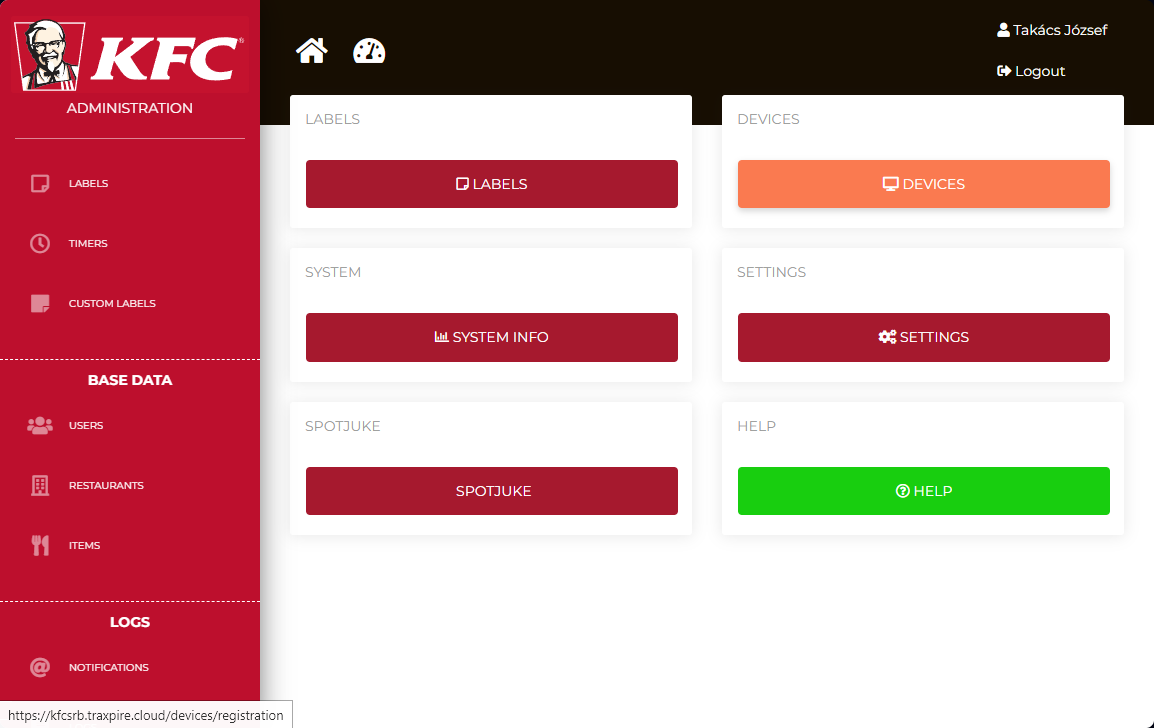
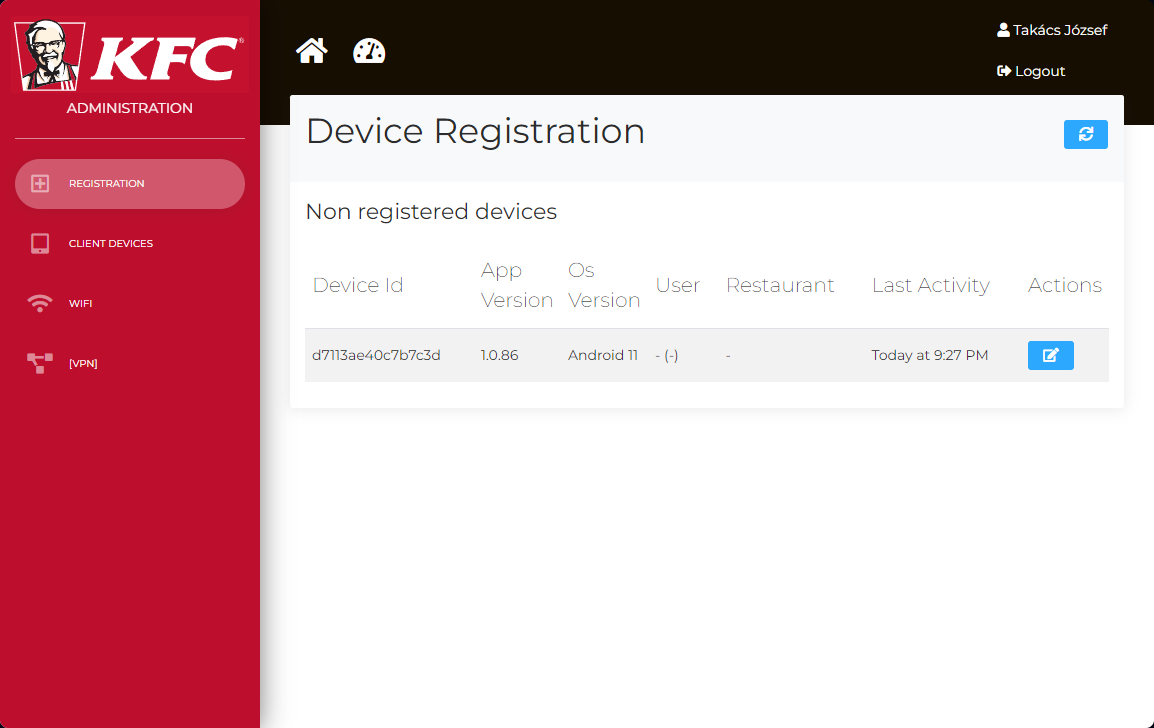
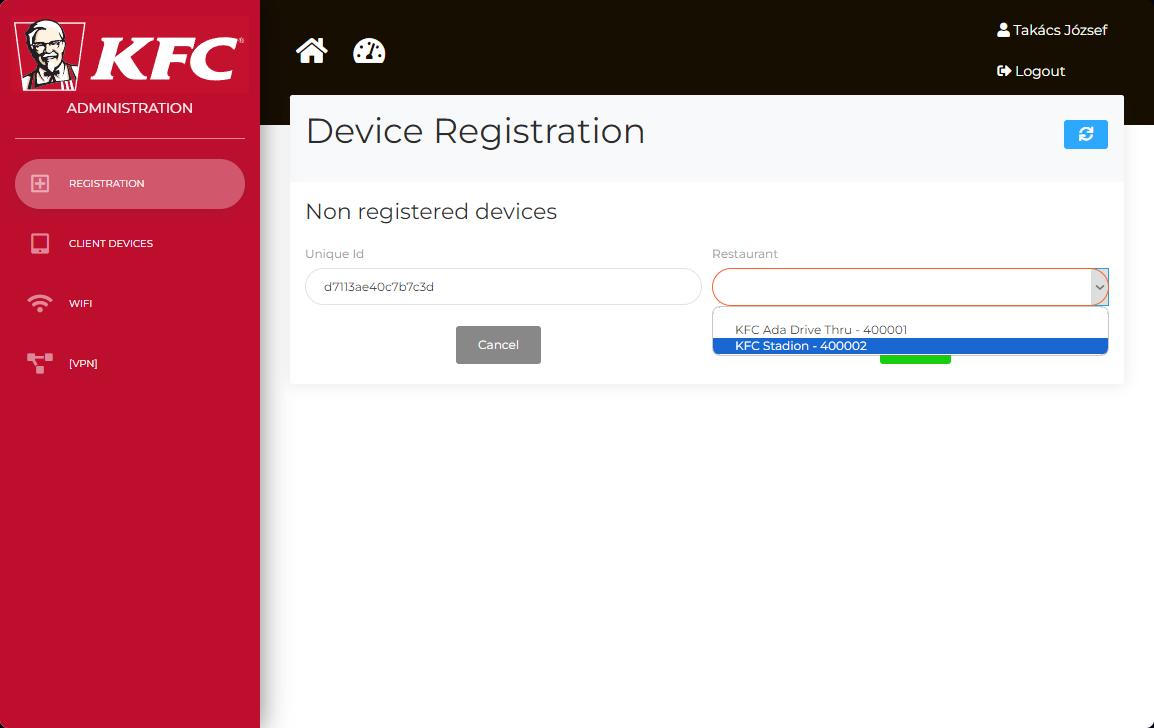
The device needs to be assigned to the restaurant through the website, in the "Devices" menu section.
The device ID can be found in the 3 dot's "Information" menu. (see the last screenshot's 3rd row)
![Screenshot_20230720-211518[1].png](https://book.traxpire.cloud/uploads/images/gallery/2023-07/lkyKVwBsIXGOqCV3-screenshot-20230720-2115181.png)
![Screenshot_20230720-212605[1].png](https://book.traxpire.cloud/uploads/images/gallery/2023-07/BxbPS3YuBnuMFJZk-screenshot-20230720-2126051.png)
![Screenshot_20230720-213006[1].png](https://book.traxpire.cloud/uploads/images/gallery/2023-07/nj7ovQeE1QcRwuMV-screenshot-20230720-2130061.png)